Tinkernut Labs


  • How To Make QR Codes

    June 22, 2011 // davisde // Cool Websites Tags: business, camera, cell, code, devices, mobile, phone, quick, scan, secret, send, smartphone, webcam 14 Responses


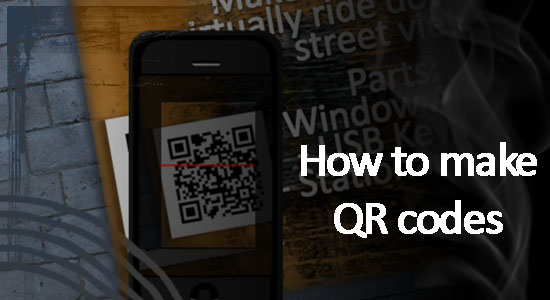
    Learn how to make your own QR codes and increase your mobile presence!
    Visit my forum page to leave questions or post comments:
    http://www.tinkernut.com/groups/videotutorial-extras/forum/topic/make-your-own-qr-codes/

    Links used in this video:
    BeQRious – http://www.beqrious.com/generator
    Desktop QR code scanner – http://www.tinkernut.com/demos/284_qr_codes/QRreader.air
    I-nigma – http://www.i-nigma.com/SupportedDevices.html
    Spotlike – http://spotlike.com
    Paperlinks – http://www.paperlinks.com
    Google Generator – http://www.goo.gl
  • Hide Secret Messages In Audio

    June 15, 2011 // davisde // Hacks, Multimedia Tips, Safety & Security Tags: audio, convert, encode, hack, hidden, hide, images, pictures, secret, spy, steganography, text 12 Responses


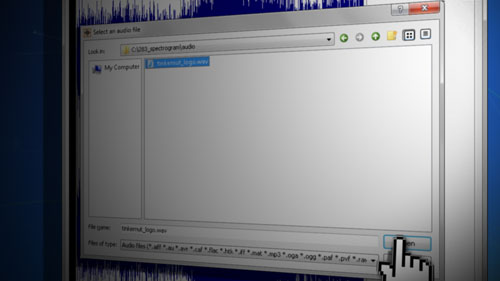
    If you’re into making secret messages, this episode will show you how you can embed text and images into audio spectrographs. See if you can decode my sound clips at http://soundcloud.com/tinkernut

    Links used in this video:
    Coagula
    http://hem.passagen.se/rasmuse/Coagula.htm

    MetaSynth
    http://www.uisoftware.com/MetaSynth/index.php

    Sonic Visualiser
    http://www.sonicvisualiser.org/download.html

    Audacity
    http://audacity.sourceforge.net

  • Let Me Promote You!

    June 8, 2011 // davisde // Video Blog Tags: gigafide, tinkernut, tips, tricks, tutorial, Video, website, youtube 26 Responses


    I’m attempting to give you guys a chance to show me your best videos and I’ll promote them on my website. Check out www.tinkernut.com to find out all about it.

  • How To Add Subtitles To Videos

    May 31, 2011 // davisde // Multimedia Tips Tags: captions, create, embed, foreign, language, subtitle, tinkernut, tips, tricks, tutorial, youtube 5 Responses


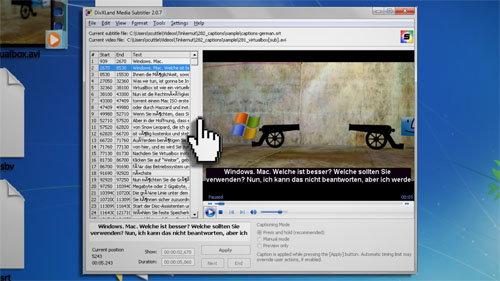
    This is a one stop shop for adding subtitles to your videos. This video covers transcription, translation, adding and embedding of subtitles.


    These are the links referenced in the video:

    http://www.moviesubtitles.org

    http://www.simplyscripts.com

    http://www.dcmp.org/ciy/converting-youtube-to-srt.html

    http://translate.google.com/toolkit

    http://www.virtualdub.org

    http://www.virtualdub.org/virtualdub_filters

  • How To Make A Hackintosh Using Virtualbox

    May 17, 2011 // davisde // Hacks Tags: apple, hack, hackintosh, hazard, leopard, mac, osx, snow, tinkernut, tips, tricks, tutorial, virtualbox, windows 16 Responses


    In this episode, you will learn how to install Mac OSX Snow Leopard on a PC using Virtualbox. For this, you will need a retail copy of OSX. Otherwise, you can watch this video:

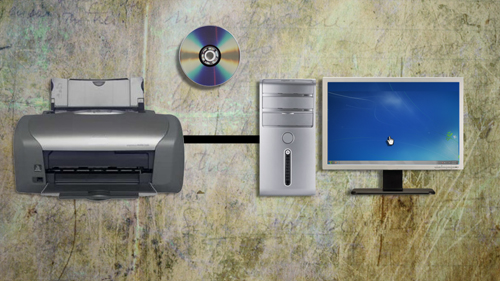
    Ever wanted to set up a print server? Follow this walk through and set up a server that you can print to from anywhere, using any device.

  • Make A Free Flash Website From Scratch

    April 27, 2011 // davisde // Featured Articles, Programming Tips Tags: adobe, basic, create, design, flash, free, guide, interactive, internet, make, multimedia, project, site, tinkernut, tips, tricks, tutorial, web, website 17 Responses


    In this episode you will learn how to create a Flash website from scratch using completely free software. Here is what we will be creating:
    http://www.tinkernut.com/demos/279_flash_site/index.html

    Links used in this video:
    Project Files – http://http://www.tinkernut.com/demos/279_flash_site/279_flash_site.zip
    Adobe Rome – http://rome.adobe.com

  • How to set up a Minecraft Server

    April 20, 2011 // davisde // Featured Articles, Gaming Tags: beta, contest, craft, free, game, Gaming, how, mine, minecraft, server, tinkernut, tips, to, tricks, tutorial, Video, walkthrough, win 28 Responses


    Description:

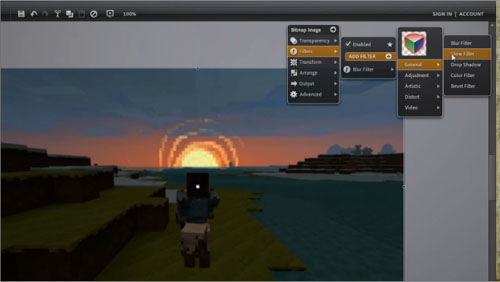
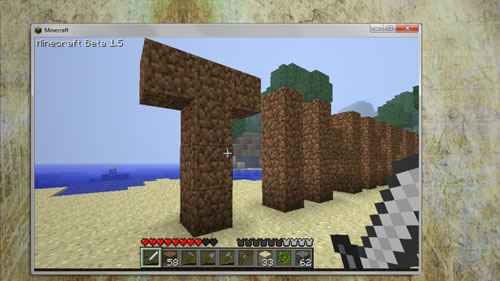
    Minecraft is a super popular games among the geek community. So in this episode, I’ll show you how to set up your own Minecraft game server.

    You can download the server software here:
    http://www.minecraft.net/download.jsp

    If you have a mac, use the command line to launch the server software:
    java -Xmx1024M -Xms1024M -jar minecraft_server.jar nogui

    Here’s the contents of the server.properties file:
    level-name=world
    hellworld=false
    spawn-monsters=true
    online-mode=true
    spawn-animals=true
    max-players=10
    server-ip=
    pvp=true
    level-seed=
    server-port=25565
    white-list=false

  • Sync iTunes with Amazon Cloud Player

    April 13, 2011 // davisde // Cool Websites, Featured Articles, Multimedia Tips Tags: android, audio, cloud, device, internet, itunes, mobile, music, player, portable 18 Responses


    Description:
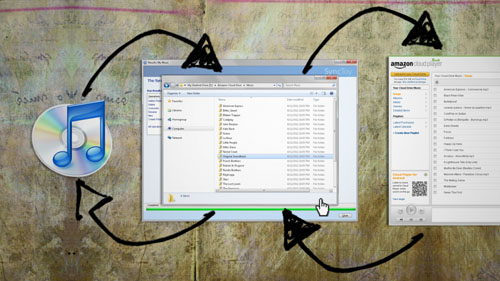
    Last week Amazon announced their new cloud player for music. But many of us already use and store our files with iTunes. This video shows you how you can sync your music to both programs so that when you purchase a song from one, it automatically syncs with the other.

    Links used in this video:
    http://www.amazon.com
    http://www.gladinet.com/p/download_starter_direct.htm
    https://www.microsoft.com/downloads/en/details.aspx?familyid=C26EFA36-98E0-4EE9-A7C5-98D0592D8C52&displaylang=en

  • How To Fake Twitter, Facebook and iPhone Conversations

    April 5, 2011 // davisde // Cool Websites, Featured Articles Tags: facebook, fake, funny, iphone, text, twitter 11 Responses


    Description:
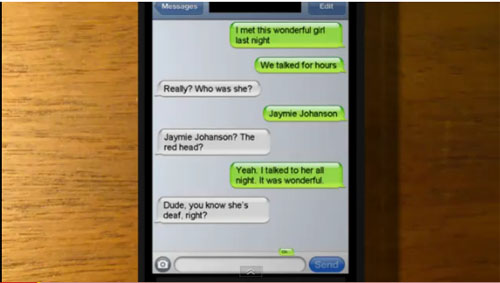
    You know those sites with the funny iPhone and Facebook conversations? (http://funtweets.com , http://failbook.failblog.org , http://damnyouautocorrect.com) Believe it or not, a majority of them are faked. This video will show you how you can fake your own conversations.:

    http://www.fakeiphonetext.com
    http://faketweetbuilder.com
    http://fakebookquotes.appspot.com
    http://fakeconvos.com

← Older posts
Newer posts →